A lot of AI coding tool comparisons feel shallow.
They usually focus on surface-level things like autocomplete, speed, or who generated the prettiest demo. But that is not how these tools get tested in real life. Real development is messy. Real codebases have history. Real workflows involve documentation, testing, review, refactoring, and a lot of context switching.
That is why I no longer ask, “Which AI coding tool is the best?”
I ask a different question instead.
Which one actually helps, and in what kind of work?
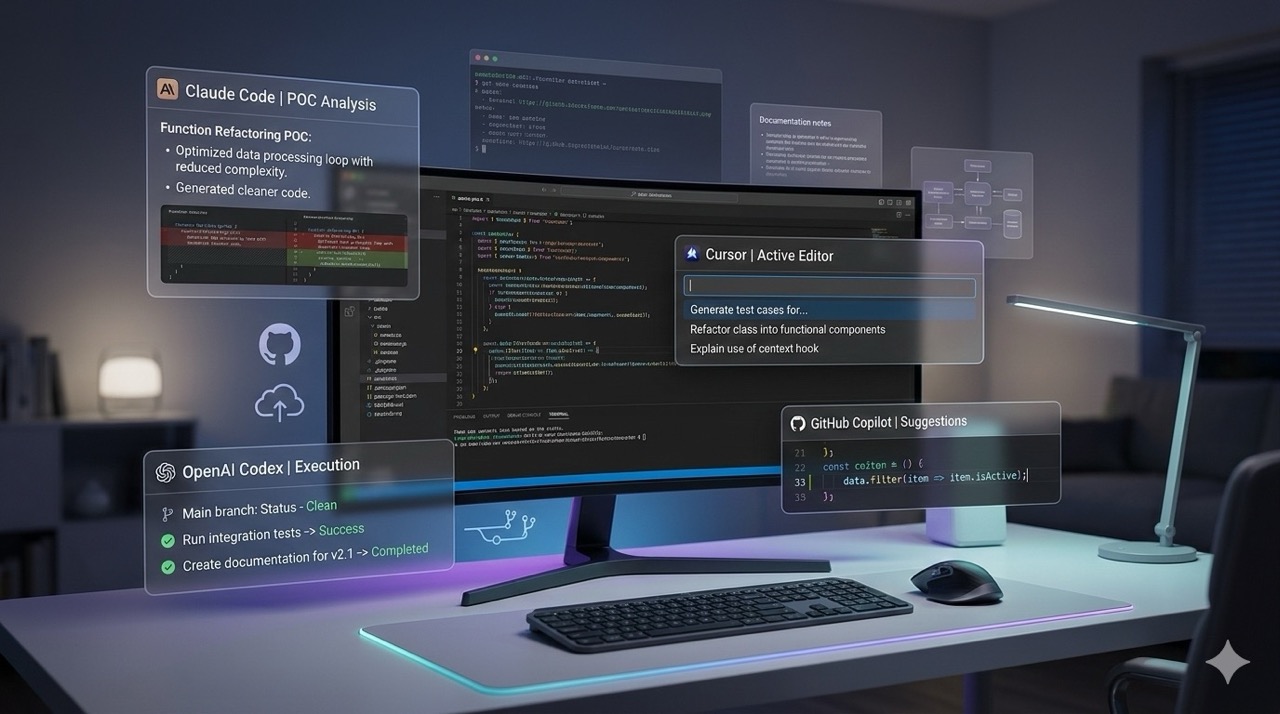
Because in my workflow, Cursor, Claude Code, Copilot, and Codex do not occupy the same role.
Cursor is my main editor and the one I rely on most during actual implementation. Claude Code is what I use when I want to move quickly on small end-to-end POCs or when I need broad code analysis and review during presales. Codex is where I experiment with cloud-linked workflows and tasks I do not want to stay too involved in from my own machine. Copilot is where my AI-assisted development journey really started, and even today, I still think it is the best place for many developers to begin.
So this is not a generic feature battle. This is how I actually use these tools in real work.
Why comparing AI coding tools is harder now
A few years ago, the comparison was simpler.
Most people were asking which tool gives better code suggestions inside the editor. Today, that is only a small part of the picture. AI coding tools are no longer just autocomplete engines. They are becoming workflow tools, review assistants, task runners, repo-aware collaborators, and in some cases, something close to delegated execution.
That changes the comparison completely.
What matters now is not just whether a tool can write code. What matters is whether it fits the way you build, how much context it can handle, how much you can trust it, and how much supervision it needs before it starts creating more chaos than speed.
That is why I do not treat these four tools as interchangeable.
Cursor is my default for serious development
If I am actually building something inside a real codebase, I usually start with Cursor.
That is the most direct answer I can give.
Cursor has become my go-to editor because it fits my preferred way of working. I do not like blindly asking for huge end-to-end implementations and hoping the tool gets everything right. I prefer moving step by step. One feature, one small change, one validation cycle, then the next.
That is where Cursor feels right.
My typical flow looks like this:
Understand the requirement. Inspect the relevant files. Make a focused change. Update related documentation. Test and validate the output. Then move to the next piece.
That flow is important to me because I care about control. I want speed, but not at the cost of breaking context, skipping validation, or leaving a messy trail behind.
Why Cursor works so well in my workflow
The biggest reason is that Cursor feels like an editor designed around AI-assisted development, not a traditional IDE where AI was added later.
That changes the experience more than people think.
I use Cursor heavily when I want to stay inside the codebase, maintain context, and make small but meaningful progress without constantly losing my place. It is especially useful when I want the assistant to follow existing structure, understand adjacent files, and help me evolve the system in a more controlled way.
It is also the tool I trust most for working code and documentation together.
This is underrated. A lot of teams are now using AI to move faster, but they are also creating codebases where the documentation becomes outdated almost immediately. One of the things I like about Cursor is that it makes it easier for me to update docs as part of the same working loop instead of treating documentation as cleanup work for later.
Where Cursor still needs supervision
Cursor is powerful, but it still needs a human who knows what they are doing.
It can overreach. It can confidently suggest something that looks correct but does not really align with the deeper intent of the project. It can still introduce changes that are directionally useful but not production-ready without refinement.
That is not really a criticism. That is just the reality of AI-assisted development right now.
So yes, Cursor is my default. But I still use it with intention.
Who should use Cursor
If you want an editor-first AI workflow, strong context handling, and a more iterative style of development, Cursor is the strongest fit in my stack.
For serious day-to-day coding, it is the one I would pick first.
Claude Code is my fast POC and code review tool
Claude Code plays a different role for me.
I do not use it the same way I use Cursor, and that is exactly the point. I think a lot of people make the mistake of trying to force every AI coding tool into the same job. That usually leads to the wrong conclusion.
For me, Claude Code is strongest when the context is already clear and the output is already well defined.
That is why I use it a lot for small end-to-end POCs.
When I know what needs to be done and I do not need the result to be overly polished from the first pass, Claude Code is excellent for getting from requirement to working output quickly. It is fast, practical, and especially good when the goal is validation rather than perfection.
Where Claude Code fits best for me
The first lane is quick proof-of-concept work.
These are the situations where I already understand the requirement well enough, the output is reasonably defined, and I just want to get something running so I can validate the idea. Claude Code is very useful there because it helps me move quickly without overthinking every edge.
The second lane is code review and broad code analysis, especially during presales.
A lot of my work involves looking at existing codebases, reviewing technical quality, identifying gaps, spotting architectural concerns, and converting those observations into something structured enough to discuss with teams or clients. Claude Code is strong in that kind of work because it helps me scan, summarize, analyze, and generate review-oriented outputs much faster.
That makes it very useful beyond just code generation.
Where I do not prefer Claude Code
I do not prefer Claude Code as my main tool for slow, careful, iterative product development inside a long-lived codebase.
That is still Cursor for me.
Claude Code is best when speed matters more than polish, and when the task is already clear enough that I do not need to keep shaping the direction at every small step. It is more of an execution and analysis tool in my workflow than a home base for day-to-day development.
Who should use Claude Code
If you build quick POCs, need broad code review support, or want to move fast once the task is well defined, Claude Code is a very strong option.
It earns its place in my stack because it helps me get from idea to output quickly.
Codex is where I experiment with offloading work
Codex is the tool I treat a little differently.
I do not use it as my main editor, and I do not think of it as a direct replacement for Cursor or Claude Code. The value I get from Codex is more about offloading.
I use it when I want to connect work to a cloud-linked workflow and step away from my machine more than I normally would.
That is what makes it interesting to me.
There are tasks where I do not want to stay directly involved the whole time. I want to define the task, link the repo, let the work run, and check back in later rather than staying embedded in the entire process from inside my editor.
That is where Codex starts to make sense.
Why Codex stands out
Codex feels less like an editor companion and more like a delegated execution experiment.
That difference matters.
It changes your role. Instead of staying deeply inside the development loop, you become more supervisory. You define the problem, connect the environment, inspect the output, and decide what to do next.
That is useful for the right kind of task, especially when I want more distance from the execution loop and do not want my machine or my time tied up too much.
Where I see Codex fitting best
I see Codex being useful for longer-running, cloud-linked tasks where the work does not need my constant presence. It is not the first tool I would recommend to someone starting out, but it becomes interesting once you already understand agentic workflows and want to experiment with giving the tool more room to operate.
Who should use Codex
If you want to explore a more detached, cloud-connected way of working with AI on code tasks, Codex is worth experimenting with.
It is not my daily driver, but it is definitely one of the more interesting tools in this space.
Copilot is still the best starting point for many developers
I have a soft corner for GitHub Copilot because that is where my AI-assisted development journey began.
I started using Copilot when it was still in preview, and I stayed with it for a long time. So when I say I have moved on to more agentic tools for most of my work, that is not coming from someone who dismissed it early. It is coming from someone who actually used it seriously and then evolved into a different workflow.
That distinction matters.
Because even now, I still recommend Copilot to a lot of developers who are just starting with AI-assisted coding.
Why I still recommend GitHub Copilot
Copilot is the easiest on-ramp.
That is its biggest strength.
A lot of developers do not need a fully agentic workflow on day one. In fact, that can be a bad place to begin. It is easy to overtrust more advanced tools before you have built a good instinct for checking outputs, spotting subtle mistakes, and understanding where AI actually helps versus where it quietly introduces risk.
Copilot is simpler. It helps people start benefiting from AI in a familiar environment without forcing a complete change in the way they work.
That makes it a very good teacher.
It helps developers learn the habit of working with AI without handing over too much responsibility too soon.
Why I moved beyond Copilot
Over time, I wanted more than inline suggestions.
I wanted better repo awareness, more task-level collaboration, stronger context handling, and tools that could help me think through changes rather than just predict the next block of code. Once you start working that way, Copilot can feel limited.
Not bad. Just limited.
It is still useful. It is still valuable. It is just no longer the center of my workflow.
Who should use Copilot
If you are new to AI coding tools and want the most accessible place to start, GitHub Copilot is still one of the best choices.
It may not be the most agentic tool, but for many developers, it is still the smartest first step.
Which AI coding tool would I choose if I had to keep only one
If I had to keep only one tool for my real day-to-day work, I would keep Cursor.
That is the honest answer.
Cursor fits my development style best. It supports the way I build. It helps me stay close to the codebase, move in controlled steps, and keep implementation, documentation, and validation connected.
But that does not mean the others are unnecessary.
Claude Code is where I go when I want speed on a defined task or when I need broader code review support. Codex is where I experiment with offloading work and reducing my direct involvement in the loop. Copilot is still where I would point many newcomers who want to start using AI in development without overcomplicating things.
So no, I do not think there is one universal winner for everyone.
But in my stack, there is a clear center.
It is Cursor.
Final thoughts on Cursor vs Claude Code vs Copilot vs Codex
The biggest shift in AI-assisted development is this:
We are no longer just comparing who writes the better snippet.
We are comparing workflows.
We are comparing levels of trust, context, supervision, speed, and control. We are comparing how well a tool fits the way a developer actually builds and ships things.
That is why this conversation matters more now than it did a year or two ago.
For me, the answer is not that one tool replaces all the others. It is that each tool earns its place differently.
Cursor is my main editor. Claude Code is my fast POC and review assistant. Codex is my offloading experiment. Copilot is still the on-ramp I respect the most.
And that is the comparison that actually matters.