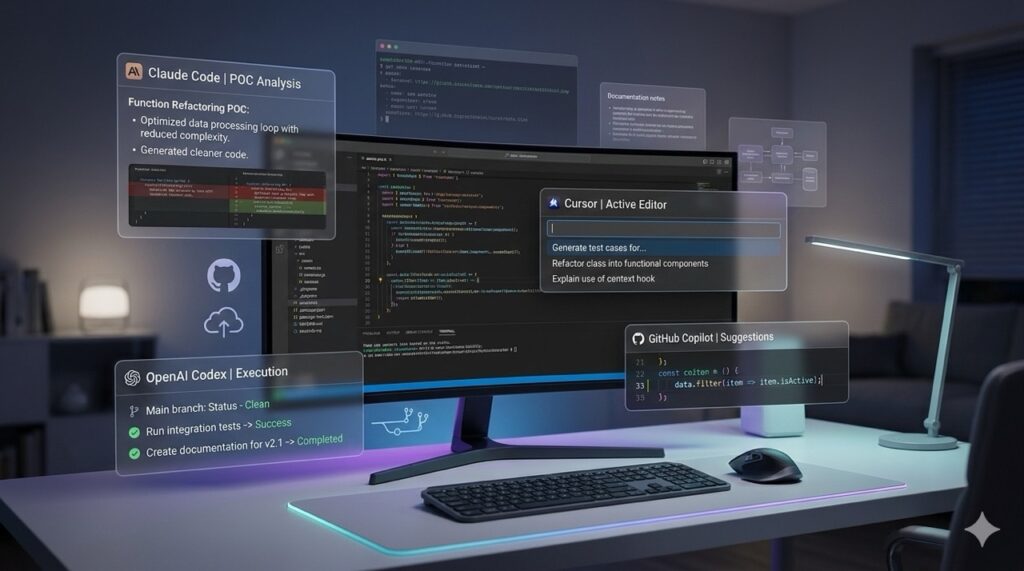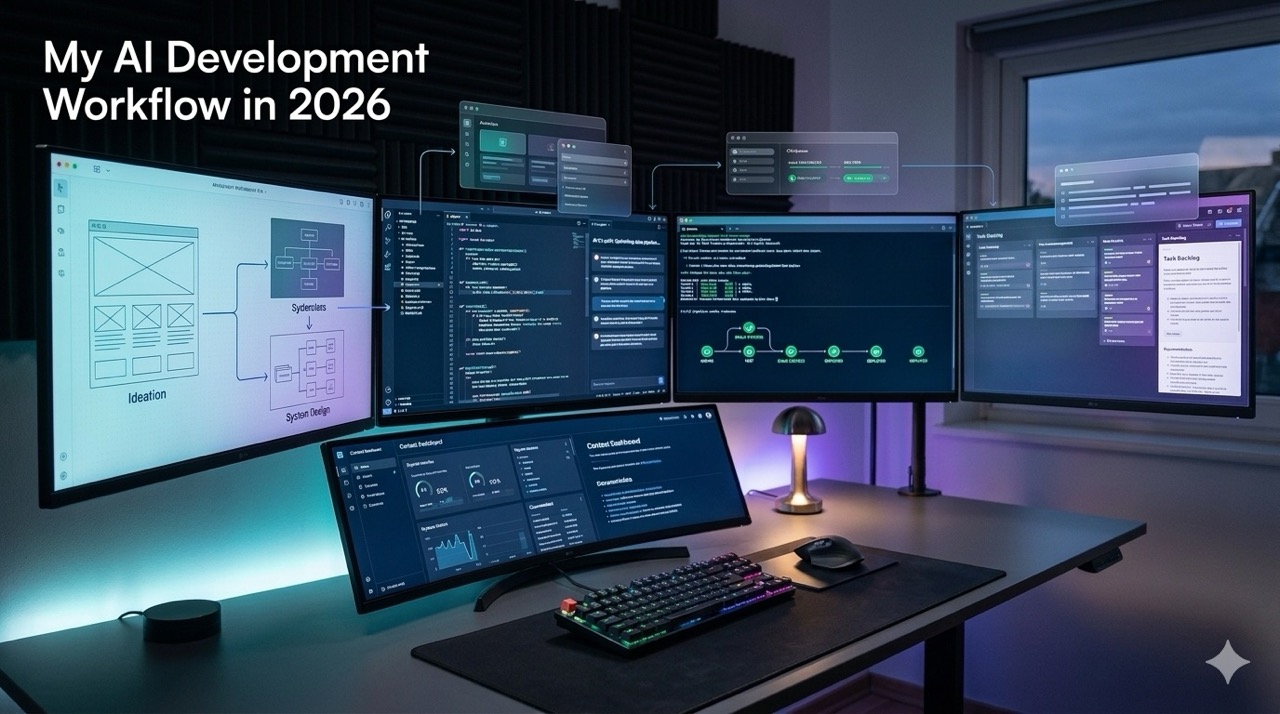
My development workflow in 2026 looks nothing like it did 18 months ago.
I still write code. I still review architecture. I still debug ugly edge cases at midnight. But the path from idea to working software is faster now, and the biggest shift is not one tool. It is how I split work between tools.
Most people asking about AI in development are still asking the wrong question. They ask, “Which tool should I buy?” I think the better question is, “Which part of the job should each tool own?”
That changed everything for me.
Why my workflow changed
More that a year ago, I used AI like a better autocomplete box, mostly because I started with GitHub Copilot
Now I use it as a layered system. One tool helps me think. Another helps me structure. Another helps me work inside the codebase. Another helps me move files, review diffs, or clean up what looked smart in a prompt but dumb in production.
That shift matters because software work is not one task. It is a chain.
You move from rough idea, to scope, to architecture, to first draft, to debugging, to documentation, to cleanup, to the final version other humans can trust. AI can help with every stage, but only if you stop expecting one assistant to do all of it well.
I do not use one assistant. I use a workflow.
My actual toolchain
Here is the stack I keep coming back to.
- ChatGPT for ideation, breakdowns, architecture thinking, and pressure-testing decisions
- Claude for long-form writing, dense documentation, rewrites, and code explanations
- Cursor for in-editor implementation and codebase-aware edits
- Claude Code when I want stronger repo-level execution and file-by-file work
- LM Studio and local models when I want quick private tests or cheap experiments
- Qdrant when I am testing retrieval flows
- Docker for repeatable local setups
- Python, Node, and Go depending on the project shape
- AWS when the experiment needs real deployment conditions
That sounds like a lot. In practice, it is a very simple split.
Chat comes first. Editor comes second. Repo automation comes third.
How I move from idea to shipping
My workflow usually has six phases.
1. I use chat to think before I type
This is where ChatGPT gives me the most value.
I do not open the IDE and ask for code first. I start by forcing clarity. What are we building? What is in scope? What is fake complexity? What will break later if I take the shortcut now?
For architecture work, I use chat to break a messy idea into parts. For example:
- User Journey
- API Surface
- Data Model
- Background Jobs
- Failure Cases and Edge Cases
- Deployment Assumptions
This saves me from coding the wrong thing fast.
It also saves me from my own bad instincts. My first solution is often too broad. AI helps me cut it down before I waste half a day polishing the wrong design.
2. I use AI to create the first structure
Once I know what I am building, I ask for structure, not polish.
That usually means:
- Folder Structure
- Modules
- Interfaces
- DTOs or Schemas
- Service Boundaries
- Setup Files
- Environment Variable List
This is a very good use case for Claude or ChatGPT. Both are good at turning messy thought into organized scaffolding.
What I do not ask for yet is “build the whole app.”
That still fails too often.
Big one-shot generations look impressive for five minutes. Then you open the files and find duplicated logic, weak naming, fake error handling, and functions that only work in the exact fantasy world created by the prompt.
I would rather get a clean skeleton first.
3. I move into Cursor when the codebase matters
This is where Cursor earns its place.
Once the repo exists, context matters more than raw writing quality. I want the assistant to see nearby files, follow patterns, understand imports, and make changes without me copy-pasting half the project into chat.
Cursor is strongest for:
- Editing existing files
- Following local code patterns
- Wiring new endpoints into a real project
- Updating multiple related files
- Fixing smaller implementation gaps quickly
When it works well, it feels like pair programming with someone fast and a little reckless.
That last part matters.
Cursor is fast. It is also confident when it should be less confident. I still review everything. I trust it with speed, not judgment.
Where AI saves me the most time
The biggest time savings are not where most people expect.
It is not pure code generation. It is context switching.
AI cuts down the dead time between tasks. The moments where you know what you want, but still need to turn it into something usable. That translation layer used to eat hours.
The places where I save the most time now are:
Documentation that stays useful
I write a lot of architecture notes, WBS documents, requirement breakdowns, and client-facing technical explanations.
Claude is especially good here. I can give it raw thinking and get back something structured enough to refine, not rewrite from zero. That is a huge difference.
This is one place where chat still beats the IDE.
Boilerplate that I do not want to romanticize
I do not get joy from writing validation models for the tenth time.
I do not need to prove I can hand-write another CRUD wrapper or auth flow skeleton. AI handles that part well enough, and I would rather spend my attention on design decisions, edge cases, and the parts users will actually feel.
Refactoring the obvious mess
Sometimes I already know the problem. The file is too large. Error handling is repeated. Naming drift has started. A function is doing four jobs.
AI is useful when the problem is obvious but boring.
It helps me move faster through cleanup, as long as I review every change like a suspicious reviewer.
Test cases and failure paths
This is underrated.
A good assistant is useful for asking, “What did I forget?” Missing null checks, retry cases, auth edge cases, bad input, stale state, weird race conditions. It will not replace a good engineer, but it is good at making me pause before I merge something lazy.
Where AI still slows me down
This part gets skipped too often in AI productivity posts.
AI absolutely slows me down in some situations.
When the task needs strong product judgment
If the problem is vague and user-facing, AI can produce polished nonsense very quickly.
You get flows that look complete but feel wrong. Buttons that exist because every app has them. states that technically work but create a bad experience. It fills gaps with average patterns.
That is dangerous.
When I let it get too far ahead
If I allow an assistant to create too much code before I stop and inspect it, I usually regret it.
The cleanup cost rises fast. One file is fine. Four files are manageable. Twelve generated files with hidden assumptions are a tax.
I have learned to keep the loop short.
Generate. Review. Correct. Continue.
That is slower than magic. It is faster than repair.
When the repo has hidden constraints
Older systems, inconsistent codebases, or client projects with legacy rules are where AI makes more mistakes.
It cannot feel the tribal knowledge in the repo. It cannot smell that one service nobody should touch. It does not know which odd pattern exists for a painful business reason.
You do.
When I ask lazy prompts
Bad prompt in, bad code out.
That sounds obvious, but I do not mean giant prompt engineering rituals. I mean asking vague things like “build this module” instead of saying what matters:
- what inputs exist
- what should not be changed
- which files are source of truth
- what success looks like
- what constraints are fixed
The more precise I am, the better the result. That is still true in 2026.
A concrete example from my workflow
A recent pattern I keep repeating is building internal prototypes or client-facing technical demos much faster than before.
One example is a small dashboard or POC-style tool with Python and Streamlit. In the old workflow, I would spend the first stretch setting up folders, validation, layout sections, fake data, filters, chart wiring, and export logic before the thing even became visible.
Now the process looks different.
First, I use ChatGPT to break the feature into screens, data inputs, outputs, and rough module boundaries. Then I ask Claude to turn my messy notes into a cleaner implementation plan with sections I can actually follow. After that, I move into Cursor and build the code in smaller passes.
Pass one is structure.
Pass two is the working UI.
Pass three is cleanup, validation, and small refinements.
What used to take me a full day or two to get into a presentable shape now often lands in an afternoon. Not because AI wrote the whole app for me. It did not. It cut the waste between steps.
That is the real gain.
How my workflow changed in the last 12 months
A year ago, I treated AI as a smart assistant.
Now I treat it like a team of specialized workers.
One is better at thinking with me. One is better at writing. One is better inside the codebase. One is better at heavy file operations. One is good enough for private local tests when I do not want every experiment to hit an API bill.
The second shift is that I ask smaller questions now.
Earlier, I would ask for larger outputs. Full modules. Full screens. Full systems. That looked productive, but it hid a lot of weak assumptions. Today I ask for tighter units of work and I inspect the output more often.
The third shift is trust.
I trust AI more in narrow tasks. I trust it less in broad ones.
That sounds backwards to people who are new to these tools. It is also why my results got better.
What I recommend to developers right now
If you are trying to build faster with AI, here is my honest recommendation.
Do not start by copying someone else’s stack.
Start by mapping your own workflow.
Where do you lose time right now? Is it planning? Boilerplate? Writing tests? Refactoring? Documentation? Code reviews? Setup? Once you know the bottleneck, the right AI tool becomes much easier to pick.
For most developers, I would suggest this split:
Use chat tools for:
- planning
- architecture
- reasoning through tradeoffs
- documentation
- summarizing code or requirements
Use in-editor tools for:
- local edits
- repo-aware generation
- refactors
- wiring code into existing systems
Use local models for:
- cheap experiments
- private testing
- throwaway workflows
- places where speed matters more than accuracy
And keep the loop tight.
Do not hand over the whole problem. Hand over the next piece.
My take
AI did not remove the hard part of software development. It removed a lot of the drag around it.
I still need judgment. I still need taste. I still need architecture sense, debugging patience, and enough experience to tell the difference between fast progress and fake progress. That part did not go away.
What changed is this: I reach the real problems sooner.
That is why my AI development workflow in 2026 works. I do not use AI to avoid engineering. I use it to spend more time on the parts of engineering that still deserve my brain.
If your current workflow makes AI feel noisy, you probably do not need a better model first. You need a better split of responsibilities between you and the tools.